

Best Free VST Plugins for Beginners (2026) | Start Music Production

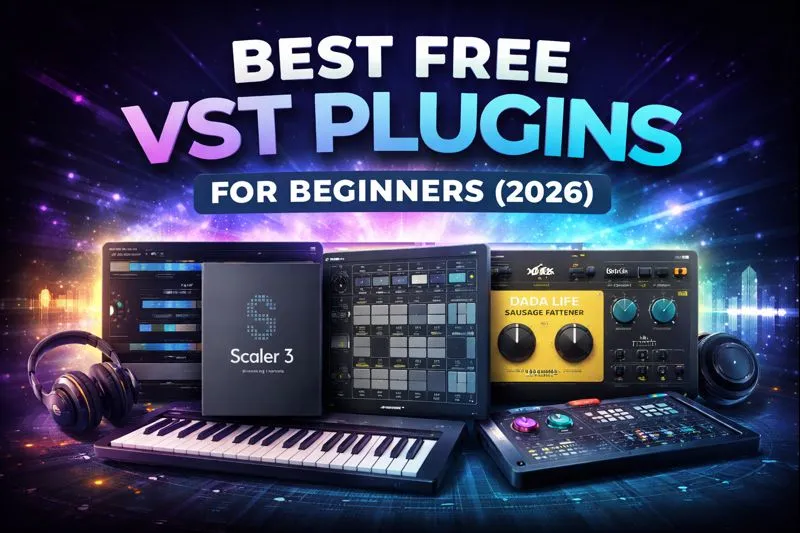
Best Free VST Plugins for Beginners (2026)
Starting music production can feel overwhelming. New producers are often faced with countless plugins, complex software, and expensive tools before they even understand the basics. The good news is that you don’t need to spend money to begin creating high-quality music.
Some of the best free VST plugins available today offer powerful features, professional sound quality, and beginner-friendly workflows. These tools allow new producers to learn music production fundamentals, experiment creatively, and build confidence before investing in paid software.
In this guide, we’ll explore the best free VST plugins for beginners in 2026, explain how they work, how to install them, and when it makes sense to upgrade. All plugins listed here are official free editions, trials, or free bundles from trusted developers, compatible with major DAWs like FL Studio, Ableton Live, Logic Pro, and Cubase.
Table of Contents
What Are VST Plugins?
VST (Virtual Studio Technology) plugins are software tools that run inside a Digital Audio Workstation (DAW). They expand the capabilities of your DAW by adding instruments, effects, and creative utilities without the need for physical hardware.
There are three main types of VST plugins:
| Plugin Type | Purpose | Examples |
|---|---|---|
| Instrument VSTs | Generate sound | Synths, drum machines |
| FX VSTs | Process sound | EQ, reverb, compression |
| Utility VSTs | Assist workflow | MIDI tools, analyzers |
For beginners, VST plugins are the foundation of modern music production. They allow you to compose, arrange, mix, and master music entirely inside your computer.
Why Free VST Plugins Are Perfect for Beginners
Free VST plugins are ideal for beginners because they remove financial pressure while you’re learning. Instead of buying expensive tools too early, free plugins let you focus on developing skills and understanding workflows.
Benefits of Free VST Plugins:
- No financial risk
- Learn core music production concepts
- Test different styles and genres
- Understand what features you actually need
- Build a starter setup legally and safely
Many free plugins today are released by reputable developers as free editions, demos, or community tools, making them reliable and safe for long-term use.
Best Free VST Plugins for Beginners
Below are some of the best free VST plugins for beginners, selected for usability, learning value, and DAW compatibility.
Scaler 3 (Free Edition)
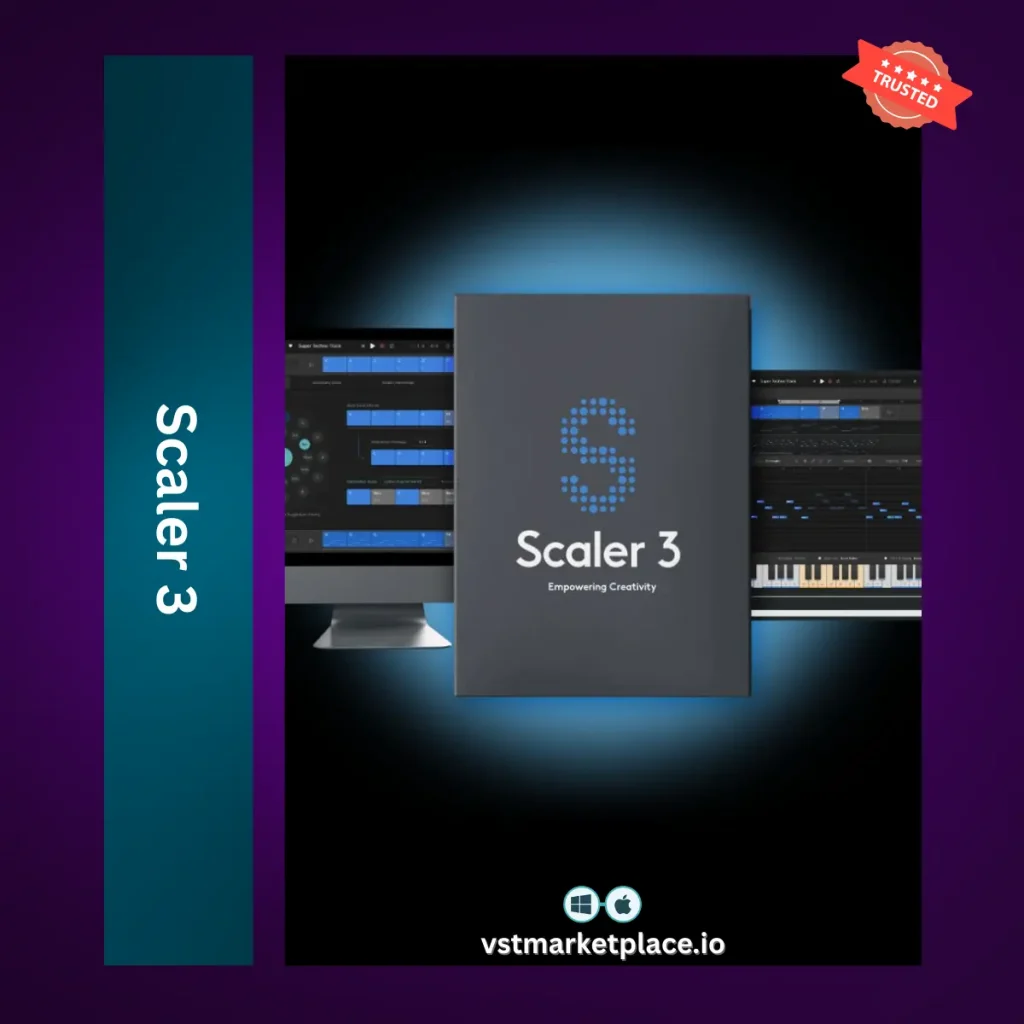
Scaler 3 offers a free version that helps beginners understand chords, scales, and harmony directly inside their DAW. It’s especially useful for producers who want to create music without deep music theory knowledge.
Best for:
Songwriting, chord progressions, music theory learning
Key Features:
- Chord and scale detection
- MIDI output
- Beginner-friendly interface
- Works with all major DAWs
Official website:
https://www.scalerplugin.com
Scaler 3 is an excellent learning tool that teaches musical structure while encouraging creativity.
👉 Get It Here )
Dada Life Bundle (Free)

The Dada Life Bundle is a creative free plugin collection designed for playful sound design and electronic music production. It focuses on inspiration and experimentation rather than technical complexity.
Best for:
EDM, electronic music, creative effects
What’s included:
- Distortion tools
- Creative effects
- Sound-mangling plugins
Official developer website:
https://dadalife.com
👉 Get It Here )
This bundle is perfect for beginners who want to explore sound design without complicated controls.
Drum Machine Collection (Free)
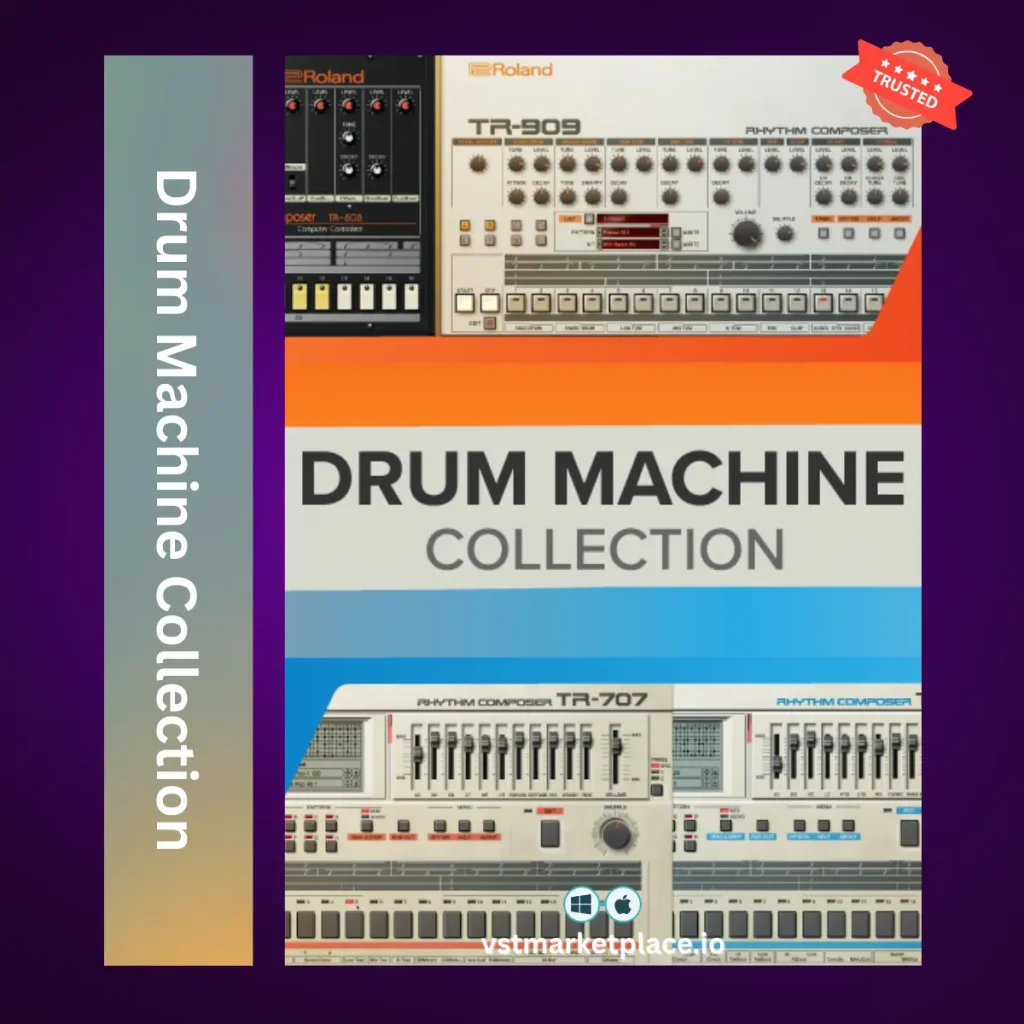
Drum Machine Collection is a free drum-focused plugin set ideal for beginners learning rhythm, groove, and beat creation.
Best for:
Beat making, drum programming, electronic genres
Key Benefits:
- Simple drum sequencing
- Easy integration with DAWs
- Beginner-friendly workflow
Official website:
https://drummachinecollection.com
👉 Get It Here )
Drum plugins are essential in almost every genre, and this collection gives beginners a reliable starting point.
Comparison Table: Free VST Plugins for Beginners
| Plugin | Type | Best Use | Skill Level |
|---|---|---|---|
| Scaler 3 Free | Instrument / Utility | Chords & songwriting | Beginner |
| Dada Life Bundle | FX / Creative | Sound design | Beginner |
| Drum Machine Collection | Instrument | Beat making | Beginner |
Tables like this help users compare quickly and are favored by search engines for clarity.
Are Free VST Plugins Enough to Make Music?
Yes — free VST plugins are more than enough to start making music. Many producers create full tracks using only free tools, especially in the early stages of learning.
However, free plugins often have limitations:
- Fewer presets
- Limited advanced controls
- Restricted export features (for trials)
These limitations are not a disadvantage for beginners. In fact, they encourage learning fundamentals before moving on to advanced tools.
How to Install Free VST Plugins (Windows & Mac)
Installing free VST plugins is straightforward once you know where to place them.
General Installation Steps:
- Download the plugin from the official website
- Run the installer or extract files
- Place files in the correct VST folder
- Rescan plugins in your DAW
Common VST Locations:
| System | VST Folder |
|---|---|
| Windows | C:\Program Files\Common Files\VST3 |
| macOS | /Library/Audio/Plug-Ins/VST3 |
After installation, open your DAW and rescan plugins. The plugin will then appear in your instrument or effects list.
Free vs Paid VST Plugins – What Beginners Should Know
Free VST plugins are excellent for learning, but paid plugins usually offer:
- Expanded sound libraries
- Advanced processing
- Better support and updates
- Deeper customization
Beginners should focus on learning first. Once you understand your workflow and needs, upgrading becomes a strategic decision rather than a guess.
👉 (Internal link: Mixing & Master Plugins category)
Frequently Asked Questions About Free VST Plugins
Are free VST plugins safe?
Yes, when downloaded from official developer websites. Avoid sites that promise “full paid plugins for free.”
Do free VST plugins work in all DAWs?
Most free VST plugins support major DAWs like FL Studio, Ableton Live, Logic Pro, and Cubase.
Can I release music made with free plugins?
Yes. Most free plugins allow commercial use, but always check the license.
Should beginners start with free plugins?
Absolutely. Free plugins are the best way to learn before investing in paid tools.
Final Thoughts
Free VST plugins are the perfect entry point for beginners in music production. They allow you to learn, experiment, and create without financial risk while building a strong foundation for future growth.
As your skills improve, you can explore more advanced tools — but mastering the basics with free plugins is the smartest way to start.
👉 (Internal links to: Free Plugins, VST Plugins, DAWs)